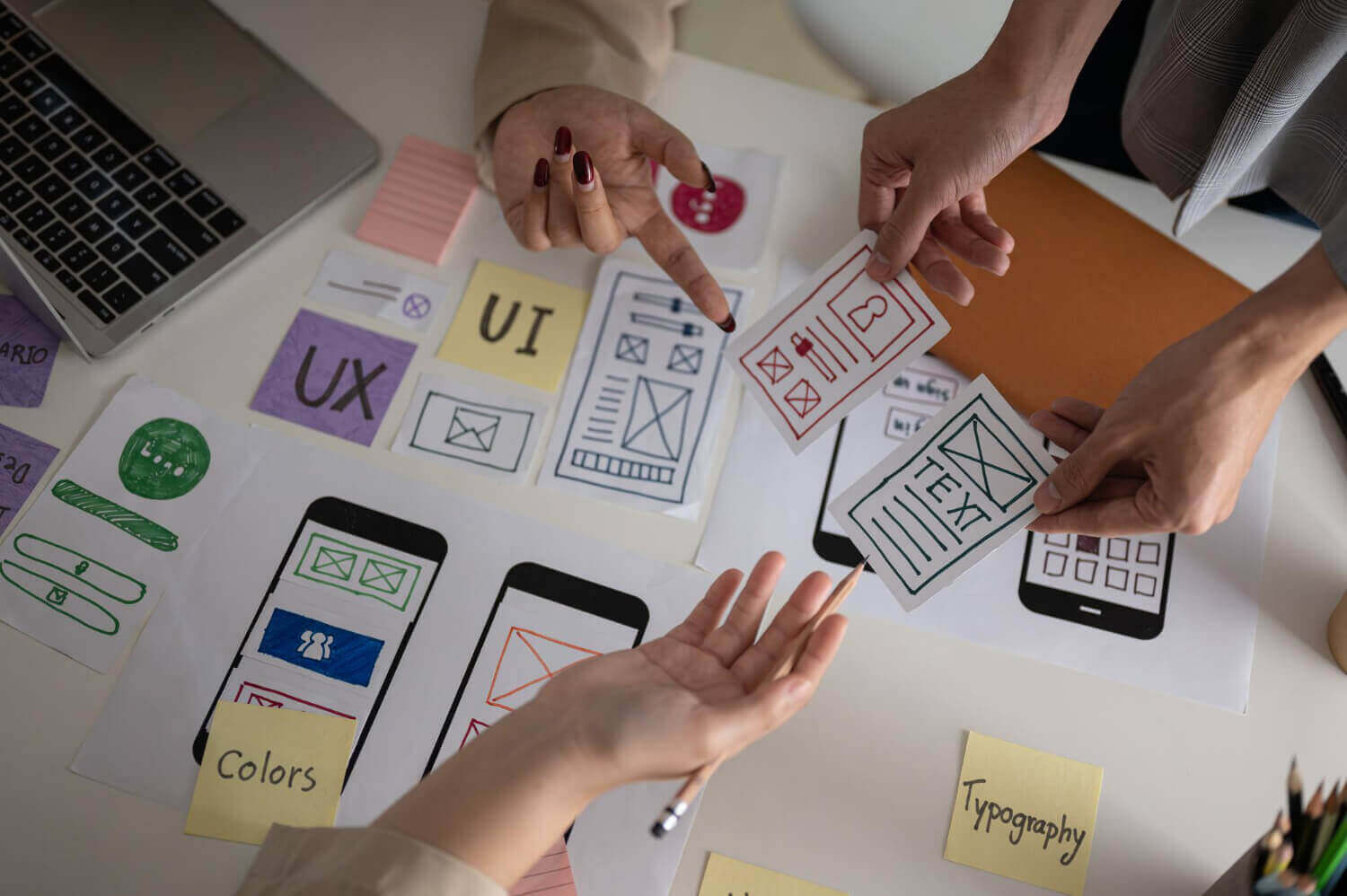
For startups, design isn't decoration — it's strategy. The way your product looks and feels directly impacts whether users stick around, convert, and recommend you to others. In the competitive landscape of 2026, great UI/UX design is often the difference between a startup that gains traction and one that fades into obscurity.
Yet many startups treat design as a late-stage polish rather than a foundational investment. They build features first and "make it look nice" later. This approach leads to products that are technically functional but frustrating to use — and frustrated users don't become paying customers.
In a Nutshell
UI/UX design for startups is about building products that solve real problems through intuitive interfaces. It involves user research, wireframing, prototyping, and iterative testing — all before writing a single line of production code. Investing in design early saves time, money, and reduces the risk of building something nobody wants.
Why UI/UX Matters for Startups
First impressions are formed in 50 milliseconds. That's how long users take to judge your product. A clean, intuitive interface builds instant credibility, while a confusing one raises doubts — even if your technology is superior.
Studies show that every $1 invested in UX returns $100 in value. For startups operating with limited budgets, this ROI is transformative. Good UX reduces support costs, decreases development rework, increases user retention, and improves conversion rates.
Investors also notice design quality. A well-designed MVP signals that the founding team understands their users and has thought critically about the product experience. It demonstrates professionalism and market readiness.
UX vs UI: What's the Difference?
These terms are often used interchangeably, but they represent different disciplines:
| Aspect | UX Design | UI Design |
|---|---|---|
| Focus | How it works | How it looks |
| Goal | Solve user problems efficiently | Create visually appealing interfaces |
| Activities | Research, wireframes, user flows | Colors, typography, visual hierarchy |
| Deliverables | Personas, journey maps, prototypes | Design systems, mockups, style guides |
| Measured By | Task completion, satisfaction scores | Brand consistency, aesthetic appeal |
Great products need both. UX ensures the product is useful and easy to navigate; UI ensures it's beautiful and on-brand. For startups, investing in UX first (then layering on UI) is the most efficient path.
The Startup Design Process
1. User Research
Before designing anything, understand who you're designing for. Conduct user interviews, analyze competitors, and define user personas. Even 5-10 conversations with potential users can reveal critical insights about their pain points, behaviors, and expectations.
2. Information Architecture
Organize your product's content and features in a logical structure. Create sitemaps and user flow diagrams that map out how users will move through your product to accomplish their goals. This step prevents "feature dump" designs where everything is crammed into one screen.
3. Wireframing
Create low-fidelity wireframes that focus on layout, hierarchy, and functionality — without colors, fonts, or images distracting from the structure. Wireframes are cheap to iterate on and help teams align on product direction before investing in high-fidelity design.
4. Prototyping & Testing
Build interactive prototypes and put them in front of real users. Watch where they click, where they hesitate, and where they get confused. Usability testing at this stage catches problems that cost 10x more to fix after development.
5. Visual Design & Handoff
Apply your brand's visual identity — colors, typography, imagery, and micro-interactions. Create a design system with reusable components to ensure consistency as your product grows. Hand off pixel-perfect specs to developers with tools like Figma.
Common UI/UX Mistakes Startups Make
Skipping research. Building based on assumptions rather than user data. Even lean research (a few interviews) is better than none.
Over-designing the MVP. Trying to launch with a fully polished product instead of a focused, functional core. Ship the simplest version that solves the main problem, then iterate.
Ignoring mobile. Even for B2B products, users expect mobile-friendly interfaces. Design mobile-first, always.
Inconsistent design. Using different button styles, font sizes, and spacing throughout the product. A design system prevents this from day one.
No feedback loops. Launching the product and never watching real users interact with it. Ongoing usability testing is essential for continuous improvement.
Best Tools for Startup Design
| Tool | Best For | Pricing |
|---|---|---|
| Figma | UI design, prototyping, collaboration | Free tier available |
| Maze | Usability testing | Free tier available |
| Hotjar | Heatmaps, session recordings | Free tier available |
| Whimsical | Wireframes, flowcharts | Free tier available |
| Framer | Interactive prototypes, websites | Free tier available |
Conclusion
UI/UX design is not a luxury for startups — it's a competitive advantage. The startups that win are the ones that deeply understand their users and translate that understanding into products that are effortless to use.
At IT Company USA, we partner with startups to design products that users love — from initial research and wireframes to polished, production-ready interfaces. Our design process is lean, collaborative, and built for speed.
Building a startup and need design help? Let's talk about creating something your users will love.